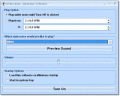
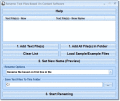
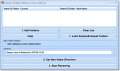
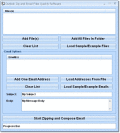
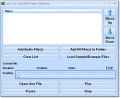
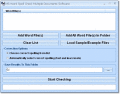
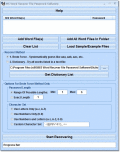
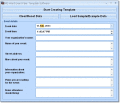
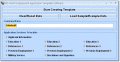
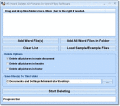
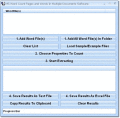
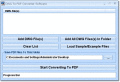
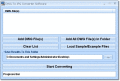
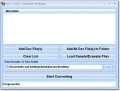
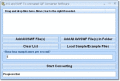
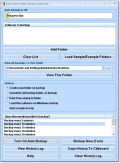
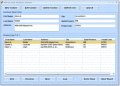
This software offers a solution to users who want to compress many folders into separate zip files. The filename of each zip will be the same as the source folder name. This software can save you hours by batch zipping your data.
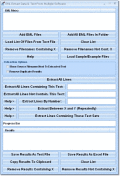
Extract all email lines from Windows Live Hotmail. Extract email lines that contain specified text. Extract email lines that do not contain specified text. Extract text between specified starting and ending character(s) repeatedly throughout email(s)
Generate white noise from your computer speakers. White noise is usually used as a sleep or relaxation aid. The software can be set to start and stop at specified times during the day.
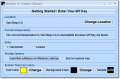
See current and future weather information by your zip code location. Temperatures and forcasts for the next few days can be displayed conveniently at the bottom your screen.
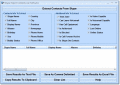
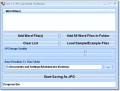
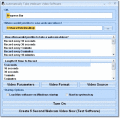
Extract still images from video files and combine the multiple captures into one image for easy viewing. This software will allow you to quickly preview the content of a video without having to open it. Results are saved as JPG files.
Quickly convert multiple VCFs to CSVs. Drag and drop VCF files into the software and then a click button to start the process. There are features to extract only names, addresses e-mails or phone numbers.
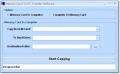
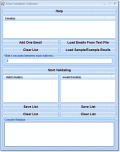
Validate the integrity of credit card number combinations. This software verifies the combination but not the card itself. This software can be used to filter mistyped or fake credit card entries.
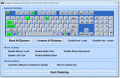
Measure your typing speed by typing back sample text displayed within this software. This software can be used to calculate your WPM (words per minute).
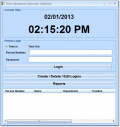
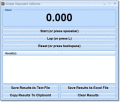
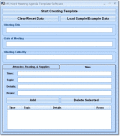
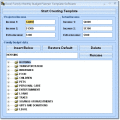
This software offers a solution to users who want to track the time-in and time-out of employees, students, patients or other parties where timing is important.
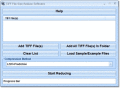
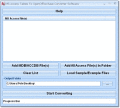
This software offers a solution to users who want to reduce the size of one or more TIFF or TIF files. The user simply adds the required files or chooses an entire folder before selecting the compression method from a drop down menu.
Convert text to XML. There is an option to use the first line as a header row to produce the XML tags. There are a few options to control how the XML output appears.
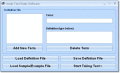
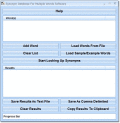
This software offers a solution to users who want to look up the synonyms for one or more words quickly. Simply enter words individually or load a long word list from a text file. The synonym results can be saved as a separate text file.
Randomly swap or manually swap columns in text files. You specify how columns are divided: space, comma-space, comma, tab or another character/characters. Manual swap allows you to swap certain columns that you specify.
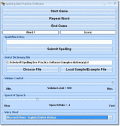
Practice spelling English words by listening to a computerized voice. This software comes with a list of words to spell but you can add your own dictionary file that can be read aloud.
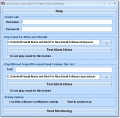
This software offers a solution to users who want to backup their Skype contact list. Data such as full name, display name, alias, city, state, phone number, time zone, language, last online, etc. can be retrieved.
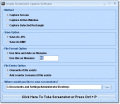
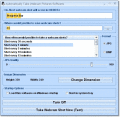
Take screenshots of the entire screen, a specific window or a specific rectangle. This application sits in the system tray at the bottom right corner of the screen.
Set an alarm clock that will play an alarm sound at a specified time. This application sits in the system tray at the bottom right corner of the screen.
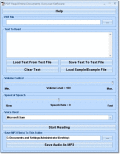
This software offers a solution for people who want to create on-camera video presentations without memorization. Perfect for webcam recordings, this application will display and scroll your custom text at full-screen resolution on your monitor.
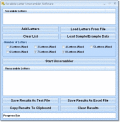
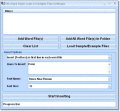
This software offers a solution for users who want to unscramble a set of Scrabble letters to form usable words. For example, the letters 'T A T U P R E C' will produce 'CAPTURE' and 'CURTATE' if the 7-letter option is selected.
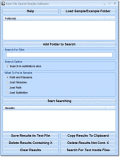
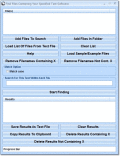
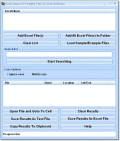
This software offers a solution to users who want to search for files by filename and save the results as text files. There is a feature to include or not include the file path next to the filename in the results.
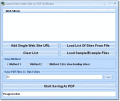
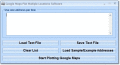
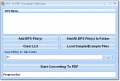
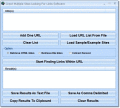
Save multiple web pages to PDF by specifying address. Add single address one at a time or load a list of addresses from file. Also, there is a feature to find all addresses with one address that you specify.
Change name of many folders and subfolders. Change case to upper, lower, proper (title) or sentence case. Add character(s) to beginning, end or inside of folder name by position or by referencing surrounding character(s). Remove and replace character
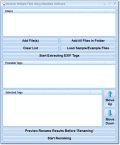
Rename many photo, video and media files based on the tags stored inside the file. Some of these tags include: Camera Model Number, Create Data, Time/Date, File Size, Image Description, Image Height, Image Width and many other fields.
Delete uninstall listings found under Add/Remove Programs in Windows Control Panel. There is a feature that recommends which programs should be removed because they no longer exist.
Randomly copy a specific set of files to one or more folders. Add source folders to first list, add destination folders to second list, preview results and execute.
Play videos randomly in small-screen or full-screen mode. There is a feature to play multiple videos at once randomly. There are features to play videos continuously in an infinite loop.
Show specified images randomly at full-screen. There are features to set the length of time to show each image, change the background color, and play continuously or not. There is a feature to prompt user for password in order to escape the slideshow
This software offers a solution to users who want to generate a random list of English words. There are features in the software to generate words by a certain character length, starting character (prefix), ending characters (suffix).
Software that automatically find proxy servers from several well known public sites. Application also verify proxies, as a result you'll have only fresh alive proxy list.
This software offers a solution to users who want to manage podcasts. Add your podcast URLs and set download intervals to automatically download your favorite tunes every hour. Now you can stay updated by receiving new content automatically.
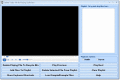
This software offers a solution to users who want to play many videos files on the computer screen at once. Simply drag and drop video files and press the 'Start' button. Each video will have its own window and will be stacked in rows and columns.
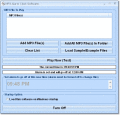
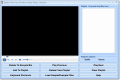
This software offers a solution to users who want to play multiple MP3 files together (on top of each other). There are options to add selected files or entire folders.
This software offers a solution to users who want to create multiple cartoons from picture files. This software will convert any digital image as long as it is in BMP, GIF or JPG file format.
Attempt to remove passwords from your PDF files. There is an option to remove by brute force or by a dictionary file. Brute force will guess at the password based on a character set and a minimum/maximum number of characters that you specify.
This software offers a solution to users who want to count pages, words, characters, paragraphs and lines in one or more PDF files. The user can specify a list of files or an entire folder to be processed.
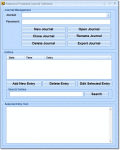
This software offers a solution to users who want to store private diary content. Start a journal by selecting "New Journal" to enter the name and password.
Protect your PC from being used while you are away from your keyboard. After a specified amount of minutes or seconds have passed, your screen will be go completely black and request a password in order to resume regular use.
Transfer tables from Paradox to MS Access databases. This program is designed for Paradox 5 databases. Higher versions of Paradox databases can be saved as 5 and used with this program. Access 2000 or higher required.
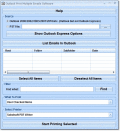
Print many Outlook email messages without having to open each one. Search feature allows you the option to find certain emails containing certain words to be printed.
This software offers a solution to users who want to compose many emails at once. Now you can use pre-made text files as well as manually entered text to compose messages.
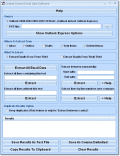
Extract all lines from Outlook Inbox emails. Extract lines that contain specified text. Extract lines that do not contain specified text. Extract text between specified starting and ending character(s) repeatedly throughout email(s).
Combine two or more OpenOffice Writer files into one. Specify files to be joined. Create a new Writer file consisting of content from each file. Writer 2.0 or higher required.
This software offers a solution to users who want to automatically save all open OpenOffice Calc spreadsheets to a separate backup file. These file backups occur while you work at intervals that you specify.
Copy and rename a single file to create multiple copies of that file on your computer. The content of the one specified file will remain the same but the output filenames will be different. The output filenames will be based on the contents of a text
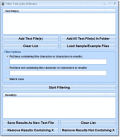
Search multiple tables for text using advanced methods. Features include: Find record(s) containing user-specified character(s), not containing user-specified character(s), containing space(s), not containing space(s) , enter(s), tab(s), etc.
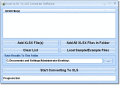
This software offers a solution to users who want to convert many MS Word documents into the EPUB file format. Simply drag and drop the files you would like to work with and click a button to being conversion.
Create service invoices in MS Word. These invoices can be easily edited and customized within MS Word to achieve your desired result. Word 2000 or higher required.
Remove VBA password protection in one or more MS Word files. This software does not remove document protection or passwords required when opening Word files. Word 2000 or higher required.
Retrieve file-level passwords for MS Word. This software will get the password required when you first open a Word document. Word 2000 or higher required.
Create colorful party invites in MS Word. These invitations can be easily edited and customized within MS Word to achieve your desired result. Word 2000 or higher required.
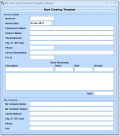
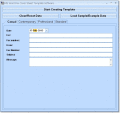
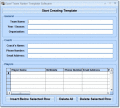
Create memorandum templates in MS Word. Choose from five visual styles: Professional, Contemporary, Elegant, Simple and Blue Sky. Fields include: Date, Company Name, To, CC, From, Re/Subject, Message. Word 2000 or higher required.
This software offers a solution to users who want to create a plan for any type of meeting. Use for clubs, councils, and organizations when time needs to be regulated. Word 2000 or higher required.
Insert line(s) in multiple MS Word files at once. Insert line(s) as the first line, last line or before/after specified location. Word 2000 or higher required.
This software offers a solution to users who want to create professional fax cover sheets. Simply enter company data and click to create. There are 4 formats that one can choose from: Casual, Contemporary, Professional and Standard.
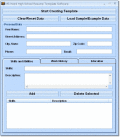
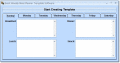
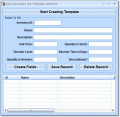
This software offers a solution to users who want to create single-page posters for events. Enter the event information in the main window by using the tab button to cycle through the data boxes of organization name, event name, address and so on.
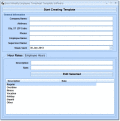
This software offers a solution to users who want to create employment application documents. It has the flexibility to add or to remove any section with the click of a checkbox. Word 2000 or higher required.
This software offers a solution to users who want to count pages, words, characters, paragraphs and lines in one or more Word files. The user can specify a list of files or an entire folder to be processed. Word 2000 or higher required.
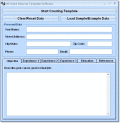
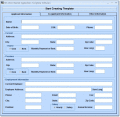
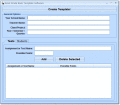
This software offers a solution for users who want to create templates for business brochures. The user simply enters the company name, a tag line, address, phone number, e-mail address and fax number before creating a word template for the brochure.
This software offers a solution to users who want to create a chart of all 256 ASCII characters (including: p > ?± q ?° ??) in MS Word. Four columns designate the decimal number, the hexadecimal number, the binary number, and the corresponding symbol.
Generate stored procedures for MS SQL Server tables quickly with this software. Insert, Delete, Update and Select can be created as text files or executed directly on the database.
This software offers a solution to users who want to print many MS Project files without having to open each one. It will save you minutes every time you batch print. Select files individually, by folder, or by drag-and-drop.
Save multiple MS PowerPoint slides as images. Features include: Save each slide as separate image for all slides in file, Save all slides as one big image, Save first slide as one image, Save second slide as one image, Save x slide as one image.
Convert PPTX files to PPT files. PPTX files are associated with MS PowerPoint 2007 and higher. PPT files are associated with MS PowerPoint 2003 and lower. MS PowerPoint 2007 or higher required to use this software.
Compare two MS PowerPoint files and create a report showing the differences between the two. Save results as text files. PowerPoint 2000 or higher required.
This software offers a solution to users who want to transfer MS Access tables to OpenOffice Base. This software will handle text fields but not picture and binary fields.
This software offers a solution to users who want to load one or more CSV files into an MS Access database. Based on the content of the CSV files, you can create an entirely new table or append records to an existing table.
This software gives a solution for people who want to display the table structure for multiple tables in MS Access. The table structure consists of items like: field name, datatype, description, etc.
This software offers a solution to users who want to split one or more MP4 files into smaller ones by a specified amount of seconds, minutes or hours. For your convenience, the original MP4 will not be changed and new MP4 files will be created.
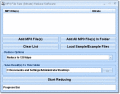
This software offers a solution to users who want to convert MP3 files from stereo to mono. The user simply adds the required files or an entire folder before click the start button.
Organize your Blu-ray, DVD or VHS collection in one database. Catalog title, year, genre, cast, director, runtime, MPAA rating, and studio information.
This software offers a solution to users who want to record mouse usage statistics such as distance traveled, number of clicks, speed and location. This software will give details about how you use your mouse.
Automatically check links for changes at specified intervals while working. Checks can be set to occur every 30 seconds, 1 minute, 5 minutes, 10 minutes, etc. This application sits in the system tray at the bottom right corner of the screen.
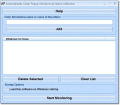
Record how long each window is active over a given length of time. Create a chart to see which programs are being used the most and least. This software can be used to measure employee or personal productivity.
This software offers a solution to users who want to convert one or more MOBI files into EPUB. The user chooses the file/s or an entire folder to be processed before starting the conversion.
This software offers a solution to users who want to copy the contents of your memory card to your hard drives. There is also a feature to quickly copy content from your hard drive to your thumb drive.
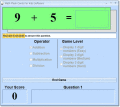
Test your child's math skills with this software. You can choose to include addition, subtraction, multiplication and/or division problems. Also, you can choose the difficulty of easy, medium or hard.
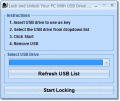
Use a physical USB device to lock your computer instead of a password. Because each USB device is different, you can see your thumb-drive as a unique car key.
Generate, view and save a full list of all English words in the dictionary. You have the option to see the entire list or filter the list by methods such as number of characters. Save results as text or Excel files.
List details for hardware components such as motherboard, processor, RAM, hard disk, DVD, keyboard and mouse. Save results as a HTML table or text file.
This software offers a solution to users who want to turn a collection of JPGs into an MP4 file. The user can specify a list of files or an entire folder to be processed.
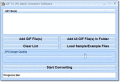
Change multiple JPG files into animated GIFs. Drag and drop the JPGs into the software and then click a button to start the process. There is a feature to specify the number of JPGs per second will be shown in the animated GIF.
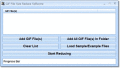
This software offers a solution to users who want to compress the file size of one or more JPG or JPEG files. To get this software to work, simply drag and drop the files you would like to work with and click a button to begin reduction.
This software offers a solution for users who want to join multiple WebP files into one. The user simply chooses the required WebP files or an entire folder before starting the joining.
This software offers a solution to users who want to append multiple SWF (Shockwave Flash) files. Select add files to the queue individually, by folder, or by drag-and-drop.
This software offers a solution to users who want to join multiple MSG files. The user simply chooses the MSG files or an entire folder and the files will be joined in one.
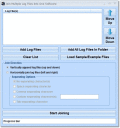
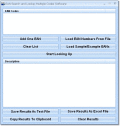
Horizontally join or vertically append many log files. Drag and drop the files you would like to work with and click the start button to join. Save result as a new file.
Determine if OCX, DLL, CPL, EXE, SYS, SCR or DRV files are 32-bit or 64-bit. This software will also tell you if your application files are compatible with your version of Windows. Save results as text files.
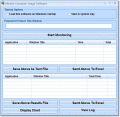
Record keystrokes made by user. This application sits in the system tray at the bottom right corner of the screen or can be made to be invisible to the user.
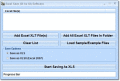
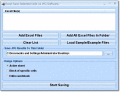
This software offers a solution to users who want to import data from SQLite tables into a blank MS Excel file. Table field names and data will be imported. Excel 2000 or higher required.
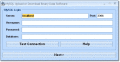
This software offers a solution to users who want to import data from MySQL tables into a blank MS Excel file. Table field names and data will be imported. Excel 2000 or higher required.
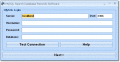
This software offers a solution to users who want to import data from MySQL tables into a blank MS Excel file. Table field names and data will be imported. Excel 2000 or higher required.
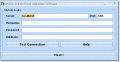
This software offers a solution to users who want to import data from MS SQL Server tables into a blank MS Excel file. Table field names and data will be imported. Excel 2000 or higher required.
This software offers a solution to users who want to import data from FoxPro tables into a blank MS Excel file. Table field names and data will be imported. Excel 2000 or higher required.
This software offers a solution to users who want to import data from Firebird tables into a blank MS Excel file. Table field names and data will be imported. Excel 2000 or higher required.
Quickly create photo albums that can be uploaded to the web to be seen by friends and family. There are features for labeling and captioning photos and photo collections. Also, Next and Previous links are created for easy browsing and viewing.
This software offers a solution to users who want to tune instruments via the computer microphone. This software will listen and report the the frequency as you strum and tune your guitar.
Retrieve Google PageRank of multiple links. There is a feature to discover links inside a web page that also can be checked. Save results as text files.
Extract lines that contain specified text from Google search results. Extract lines that do not contain specified text. Extract text between specified starting and ending character(s) repeatedly throughout file(s). Extract the same line(s) by number
Extract all contacts within a Gmail account. This software will extract from Gmail's Contacts section only, not from the Inbox, Sent Mail, Trash, etc. Save results as a text file.
Generate many acronyms and mnemonics based on words that you enter. For example, Peter Sobol generates P.S. as an acronym and Peter generates Private Easy Tinted Eloquent Reader as a mnemonic device.
Display the current time so that it takes up the entire screen. Font size and font colors can be customized. This software can be used instead of a screensaver.
Find words that rhyme with the words of your choosing. Enter multiple words one at a time or load multiple words from a file. Save results as text or Excel files.
This software offers a solution to users who want to find the difference between two pictures in a game. There are three levels of difficulty. This can be a fun diversion during a break or at home with the kids. This game is free.
Search local web files (HTML, PHP and ASP) for unused (unlinked) media files (images, videos, etc). There is a feature to send unused files to the Recycling Bin.
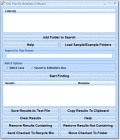
This software offers a solution to users who want to find folders by character(s) in the folder name. There is an option to save the full path or just the folder as text files.
This software offers a solution to users who want to find files by metadata text. For example, if a.jpg has the metadata Camera maker Sony then typing "son" will retrieve the file path and metadata. There is a feature to save your results as a text
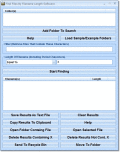
Find files by the number of characters in the filename. Find by length greater than x, length less than x or length equal to x where x is a number that you specify.
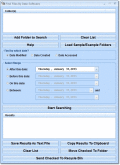
This software offers a solution to users who want to find files by their date created, modified and last accessed. There are features to find between a certain date range, before a certain, after a certain date and on a certain size.
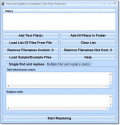
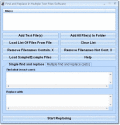
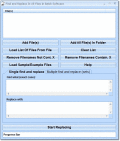
This software offers a solution to users who want to find and replace in many text files. Simply drag and drop files or entire folders of files. Filter your queue with "Remove Entries Containing/Not Containing X."
This software offers a solution to users who want to find and replace text in one or more files. There is an option to find and replace multiple sets of words at once as well.
Select two different images using this software and create a visual transformation from one picture to another. Save this transformation as a AVI or animated GIF file that can be viewed later.
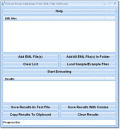
This software offers a solution to users who want to extract words from multiple HTML and text files. For this software, words are defined as anything separated by spaces/punctuation. The extraction results can be saved as text files.
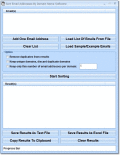
This software offers a solution for users who want to extract e-mail addresses from multiple EML files. The user simply adds the required EML files or an entire folder and, with just one click, creates a list of all the e-mail addresses.
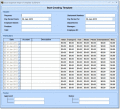
This software offers a solution to users who want to create weekly timecards for employees. Enter essential company data, customize pay rates, and enter employee hours.
Conditionally select many cells at once in MS Excel by various properties such as empty, non-empty, odd, even, color, same, small, large, equal, not equal, greater than, less than, etc. Excel 2000 or higher required.
Remove VBA password protection in one or more MS Excel files. This software does not remove sheet/workbook protection or passwords required when opening an Excel file. Excel 2000 or higher required.
This software offers a solution to users who want to manage a to-do list. Use as a personal tool or as an informal business management directive. Once the list is generated all fields are easily edited in Excel.
This software offers a solution to users who want to create templates to organize yearly profit and loss statements. Easy to navigate and simple to customize, this software will save you time by automatically generating a visually, print-ready P&L bal
Convert phone numbers to a consistent format in MS Excel. Format with dashes, parentheses, slashes, dots or remove formatting completely. Change multiple phone numbers to meet a specific style. Excel 2000 or higher required.
This software offers a solution to users who want to compile contact information lists. Use for clients and members/employees. Simply enter contact information and a print-ready, visually appealing spreadsheet is automatically generated.
This software offers a solution to users who want to record business labor costs. By entering data such as employee name, state and federal tax rates, and hours worked, charts are automatically generated displaying all employee tax data.
Use MS Excel as a front-end interface to an Paradox database. Use Excel to import and export tables to and from a Paradox database. Read and write tables to and from Excel without SQL knowledge. This program is designed for Paradox 5 databases.
Combine two MS Excel tables into one based on a common column of data from each table. The two tables can be located in the same Excel file or two different Excel files. Excel 2000 or higher required.
Import one or more web site(s) into a blank MS Excel file. Specify URL(s), and either insert them all into one sheet or individual sheets per file. Excel 2000 or higher required.
Import one or more MS Project files into a blank MS Excel file. Specify local Project files, and either insert them all into one sheet or individual sheets per file. Excel 2000 or higher required. MS Project 2000 or higher required.
Import MS Access tables to a blank MS Excel file. Table field names and data will be imported. Excel 2000 or higher required. Access 2000 or higher required.
This software offers a solution to professors and teachers who need to track class grades. Quickly calculate personal and class average grades in Excel. Excel 2000 or higher required.
This software offers a solution to users who want to organize a production schedule. Enter categories of tasks to form broad divisions of labor, enter tasks to subdivide categories, and enter project begin and end dates as special events.
Remove all items of a certain type from many Excel files. Features include: delete all pictures, delete all sheets except one, delete all shapes, delete all comments, delete all hyperlinks, delete all charts, delete all headers, delete all footers.
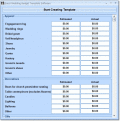
This software offers a solution to users who want to create custom billing statements. Included is a form which covers all important fields such as invoice number, amount paid, and item description.
This software offers a solution to users who want to extract lines that contain certain text or characters in one or more EML email files. There is a feature to extract lines that do not contain certain text or characters.
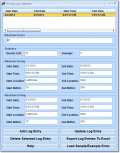
Keep track of driving records. Records include: maximum driving, minimum driving, start date, end date, start time, end time, start location, end location, start mi/km, end mi/km. There is a feature to export your records to Excel.
DivX 5 Media Converter - software that allows you to convert (encode) video of any format to divx 5. divx5 is a format well known to all DVD players. In this way after using this program you'll be able to play your video on any DVD player.
This software offers a solution to users who want to delete video files while they are playing. There are features to play next/previous video, delete current video to Recycle Bin so that you can sort and delete unwanted files right on the spot.
Delete columns from multiple text, Excel and CSV files. Features include: Delete Between Start X Column and End Y Column, Delete Nth Column, Delete Everything After 1st Space/Comma/Comma-space/Tab/User-specified
This software offers a solution to users who want to look up the definition for one or more words quickly. Simply enter words individually or load a long word list from a text file. The results can be saved as a separate text file.
Convert one of many DBF files to CSV (comma-separated values) files. Completely customize the CSV output: include/not include double quotes, remove trailing spaces, choose delimiting character and include/not include databse header, etc.
Create a list of tasks and be reminded of them at certain times while you work. Reminders can be set to show every 5 minutes, 10 minutes, 30 minutes, 1 hour, 2 hours, 4 hours etc.
Convert multiple CSV files into HTML tables. Drag and drop the files you would like to work with and press a button to start the conversion. Each? line in the CSV creates a row and each separating character in a line creates a column.
Convert one of many CSV (comma-separated values) files to DBF files. DBF files are used in dBase, xBase, FoxPro and other programs. Also some programs use DBF files to import and export data.
This editor will allow you to add and delete columns and rows to CSV files. There are features to save your changes, import the file to Excel and search the CSV file for text.
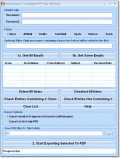
This software offers a solution to users who want to create PS files from PDF files. Simply drag-and-drop an entire folder of PDF files to queue. Check ???Prompt for password??? if applicable. Results are saved to the folder of the original data.
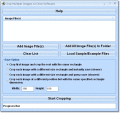
This software offers a solution to users who want to convert one or more images into PDF format. The user chooses the files or an entire folder to be processed before starting the conversion.
This software offers a solution to users who want to convert one or more images into buttons by adding light and bevel properties to the images. The user chooses the files or an entire folder to be processed before starting the conversion.
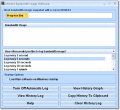
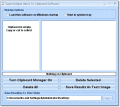
Keep track of multiple pieces of data (text or images) on the clipboard. Windows only allows one item to be copied to the clipboard. This application sits in the system tray at the bottom right corner of the screen.
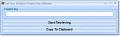
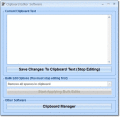
Change the contents of the clipboard. Remove or replace user-specified characters, spaces, enters, tabs, etc. Add character(s) to beginning, end or inside by position or referencing surrounding character(s). Remove alpha, numeric, alpha-numeric.
This software offers a solution to users who want to get the file size of many files in batch. You can browse to multiple files or load a list of files from a text file. The filesize units that are available are bytes, kilobytes (KB), megabytes (MB).
This file renaming utility offers a solution to users who want to change the case of one or more filenames. Choose between to upper, lower, proper (title) or sentence case. Drag and drop an entire folder to add all contained files.
Capture any color on your screen whether it is a pixel in an image or a color within an application. Retrieve the numeric representation of the captured color so it can be used elsewhere or export the captured color as a BMP or JPG file.
This software offers a solution to users who want to blur user-selected parts of images. The user loads a set of images, makes a selection and clicks the Blur button. Results of the blur can be saved to another image file or discarded.
Block multiple web site that you specify. Add individual sites to be blocked one at a time or load many sites from a file. There is a feature to password protect this software so that your settings can not be changed.
This software offers a solution to users who want to generate heavy bass from the computer speakers using a number of tracks. There is a choice of noises tracks available through a drop down menu and a slider for volume control.
Change multiple AVI or SWF files into animated GIFs. Drag and drop the AVI/SWFs files into the software and then click a button to start the process. There is a feature to specify the number of AVI/SWF frames per second in the animated GIF output.
This software offers a solution to users who want to automatically capture and save web camera video at specific intervals. Saves can be set to occur at any interval between 30 seconds and 24 hours. There is a feature set how long to record as well.
Automatically capture and save webcam snapshots as BMP's and JPG's at specified intervals. Saves can be set to occur every 30 seconds, 1 minute, 5 minutes, 30 minutes, 1 hour, etc.
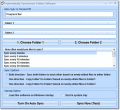
Automatically sync two folders while you work. Any newly edited files will be targeted as files that need to be copied to the other folder. This application sits in the system tray at the bottom right corner of the screen.
This software offers a solution to users who want to automatically check the status of the printer at specified intervals. Ever wonder if you printer is online or offline?
Automatically lock your computer with a username and password at specified intervals. Locks can be set to occur every 30 minutes, 1 hour, 24 hours, etc. This application sits in the system tray at the bottom right corner of the screen.
Periodically free random access memory to speed up computer performance. Optimizations can occur every 5 minutes, 30 minutes, 1 hour, etc. This application sits in the system tray, at the bottom right corner of the screen.
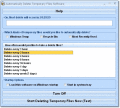
Automatically delete temporary files at specified intervals. File deletions can be set to occur every 1 hour, 4 hours, day, week etc. This application minimizes out of the way to the system tray at the bottom-right corner of the screen.
This software offers a solution to users who want to automatically click when the mouse stops moving. There is a option to choose to single-click or double-click and an option to choose how many seconds the mouse needs to stop moving for a click.
Automatically move mouse, pause and click at specified locations on your screen. The software is set up to loop and do your list of actions over and over again so you do not need to be at your computer.
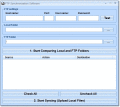
Automatically upload local files to an FTP server at specified intervals. Uploads can be set to occur every 30 minutes, 1 hour, 24 hours, etc. This application sits in the system tray at the bottom right corner of the screen.
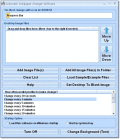
Periodically change desktop background image in Windows. Changes can be set to occur every 1 minute, 5 minutes, 30 minutes, 1 hour, etc. This application sits in the system tray, at the bottom right corner of the screen.
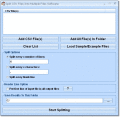
This software offers a solution to users who want to wrap text (insert a carriage return) by number of words, by number of characters, or by number of characters with word detection.
This software offers a solution to users who want to create a collection of shortcuts to run frequently-used applications, folders, internet URLs and email contacts.
This software offers a solution to users who want to test the validity of their Antivirus software. When it comes to protecting your computer you can't be too careful, but how can you tell if your software is actually working? This software helps.
This software offers a solution to users who want to convert videos from one file format to another. Can't find the right codec pack to watch a clip? Convert it! Does your video editor limit your save options?
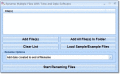
Add timestamp/datestamp to multiple filenames in batch. Features for this software include: Add current time to beginning of filename, Add current time to end of filename, Add current time after nth character in filename, etc.
Add content to one or more files. Add character(s) to beginning, end or inside of file lines by position, or by referencing surrounding character(s). Find and replace character(s).
 HandyArchive