 HandyArchive
Insert 0 into filenames to keep them in order
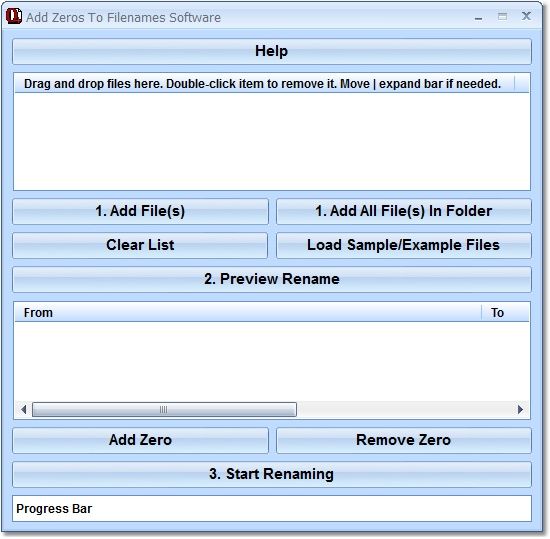
Add Zeros To Filenames Software 7.0
This software offers a solution to users who want to insert 0s into filenames to keep them properly aligned and in alphabetical/numerical order. Many times, to accomplish a task, we create multiple files containing a root name followed by a number. Unfortunately, if you don't think ahead and pad the left of the numerical part of the filename with a zero so that all of the filename lengths are the same, displaying the files in numerical order becomes impossible. Use this utility to prepend the numeric suffix of a file name with a user defined number of zeros. So, for example: foo1.bmp foo11.bmp foo2.bmp foo222.bmp can become: foo001.bmp foo002.bmp foo011.bmp foo222.bmp.
Keywords:
add leading zeros sorting data, existing numbers, adding, appending, fill in, between, inbetween in, inside, within, into, inserting, together, file name, manipulating, renamer, renaming, 1-9, sequential, padding, pad, output, numbers, alpha, digits