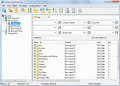
By using Professional Renamer software for Windows, you can rename multiple files and folders easily. Powerful renaming tool to rename multiple filenames at once. Its user-friendly and intuitive interface allow you to rename files quickly.
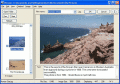
Rename digital photos quickly and easily. Give your digital photos meaningful names. Renaming is as simple as typing the new name and hitting enter. Add comments to photos, which are stored in a text file alongside the image file.
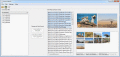
Chrono Namer is a tool for organize your photos, video clips etc. It rename images to time-formatted name. It also possible append extra text in the end of the filename with a bach operation. Chrono Namer It also has a slideshow function.
InnoRename is a powerful, easy-to-use files and folders renaming software. It is designed to help you renamming a large number of files and folders by a simple programmable description actions list.
With Actual Tag Editor you can edit ID3v2 and ID3v1 tags of MP3 files, rename MP3 files using their tags and fill tags using data from filenames. You can edit tags and rename directly in the Tags table. All operations can be done in a batch.
Organize, sort and rename All photos automatically with Photo Collection Organizer, sorter. Organize photos in variety of photo formats (more than 792) + Organize photos using variety of EXIF / IPTC / TIFF photo tags. All photos will be organized!
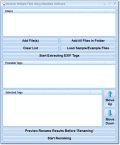
Rename many photo, video and media files based on the tags stored inside the file. Some of these tags include: Camera Model Number, Create Data, Time/Date, File Size, Image Description, Image Height, Image Width and many other fields.
 HandyArchive