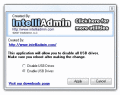
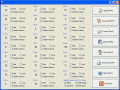
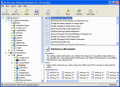
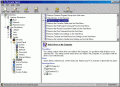
Hide and lock your local, network, Floppy and USB drives as well as disable the AutoRun feature for specific drive types with this password-protected security utility. If you do not want the removable media to appear and be accessible in My Computer
Encrypt and decrypt PDF files, Supports PDF user password and owner password protection, Password protect opening of the PDF document , Disable printing of the PDF document Disable copying of text/graphics
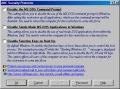
This nice free security utility enables you to protect your PC by disabling some features like: use of the MS-DOS command prompt in Windows and real mode DOS applications from within the Windows shell, and disable function keys on boot up like F5 F8
It customizes the Internet Explorer Web browser, lets you apply access restrictions to web browser, restrict access to certain tabs and features of Internet Options, disable certain menu items and buttons and prevent others from editing your Favorite
Use Easy Disk Drive Safeguard to hide and lock your local, network, Floppy and USB drives as well as disable the AutoRun feature for them. A password protection can be applied to the program to prevent your users from changing the security settings.
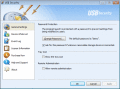
USB Security allows home users and network administrators to place restrictions on which USB devices are permitted. This helps to prevent malware infection, information leak or any other USB technical problems.
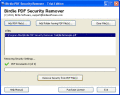
Quickly crack PDF rights with the best solution of PDF Secuirty Remover. Software is also known as PDF rights remover, permits you a best chance for copying, editing, printing PDF??™s document.
PC security tweaking software to tweak Windows-based computers. Tweak access to Control Panel applet functions, disable selected Start Menu items, lock and protect disk drives in My Computer, disable the DOS and command prompt, and much more.
1st Security Agent Pro is a professional password-protected system security utility to secure Windows PC and restrict access to its key features. restrict access to Control Panel functions, hide local and network drives, disable the DOS prompt, boot
 HandyArchive