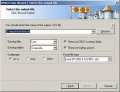
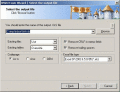
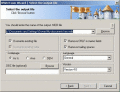
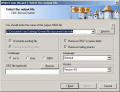
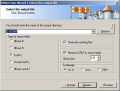
The DBF to MDB (Access) program allows you to convert your dbf files to MDB (Microsoft Access) format. MDB format is the most frequently used format, but sometimes Access is unable to open DBF files or damages them.
The DBF to MDB (Access) program allows you to convert your dbf files to MDB (Microsoft Access) format. MDB format is the most frequently used format, but sometimes Access is unable to open DBF files or damages them.
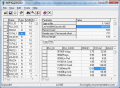
DBF Reanimator is a powerful tool that allows you to repair dbf files. The process of recovery dbf files is absolutely easy. Open a dbf file and then save it under another name. DBF Reanimator will re-create a structure and reconstruct all records.
The DBF to SQL program allows you to convert your dbf files to SQL script.
You can apply this script on any SQL server, so you can easily transfer your data to a new system.
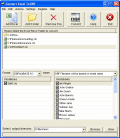
The software can convert your Excel files to DBF format, and also can convert each sheet as an individual DBF file. The software can convert excel to dBase IV, dBase III and dBase II formats. The program supports command line interface.
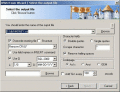
The DBF to DBF program allows you to convert your dbf files from one format to another. The program supports dBase III, dBase IV, FoxPro, VFP and dBase Level 7 formats. Besides, you can choose BlockSize in memo fields and change codepage.
DBF file repair software efficiently handles all sorts of corruption issues such as unexpected system shutdown, virus attack, bad sectors in the disk, media corruption, etc.
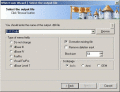
MDB (Access) to DBF allows you to convert your MDB files to DBF format. It is very simple to use.
You can select tables for export and set necessary options.
 HandyArchive