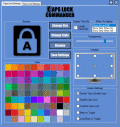
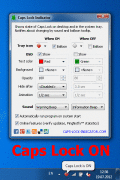
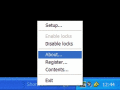
Caps Lock Indicator software offers two Caps Lock state indicators: Tray Icon and On-Screen Floating Text. Notifications by sound are also available. Moreover, sound alerts can be different for On and Off states.
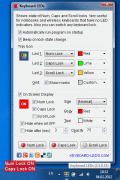
The Clever Keyboard Indicator is a program which stays in your Windows system tray and displays "Caps Lock", "Num Lock" and "Scroll Lock" status, allows you to switch key status, plays a sound when the key status changed and many more.
Capture thoughts and ideas the instant you have them. Just hit caps lock and type away. Every entry is stored safely away and can be exported as HTML file. Take notes while keeping your flow!
Keyboard Leds software lets you know the current state of keyboard locks. You can see the status either on a small icon in the system tray or on a floating OSD window.
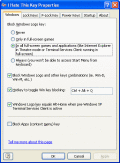
Pro Key Lock can be used to lock specific keyboard keys (e.g. CapsLock, the windows key, etc.) or key combinations (e.g. alt-tab, alt-F4, etc.) and mouse buttons and functions (e.g. right lick, double click, clicks inside/outside a rectangular area).
This handy utility sits in the system tray and allows you to control special key behavior. You can easily protect yourself from pressing unwanted key combinations. "Doubleclick" and "Press and hold" modes, sound notifications and more...
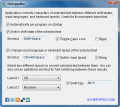
Using Ochepyatka you can convert text between different keyboard layouts within a second! Just select an incorrect text fragment and press appropriate keyboard shortcut - the program will make some magic and fix your text immediately!
 HandyArchive