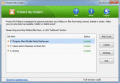
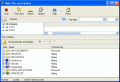
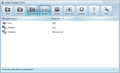
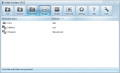
Protect My Folders is designed to password-protect your folders or files from being viewed, leaked or stolen. Make your private data inaccessible, hidden or delete-proof.It's an ideal tool for you to lock / hide your private data from prying eyes.
File Lock is a secure software that can lock and/or hide your files, folders and drives. It can prevent access to any of your files, folders or drives. File Lock also supports to hide files and folders, to make them complete invisible.
Folder Protector is the software that can hide the folders.This ensures the privacy and security of the private data.It comes with strong password protection so that no other person could change its settings.
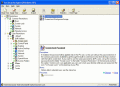
Hide folders and encrypt files with on-the-fly AES encryption. Just create one or more encrypted secure folders from local folders and move your sensitive files into these specified folders and they will be encrypted/decrypted in real-time.
Hide files and folders from viewing, access and search. Using Hide-Files you can hide various information: confidential documents from curious colleagues, games from the chief, adult files from children and much more.
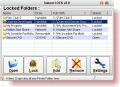
InstantLock Free, Download, Utility, to Hide and Lock Folders, folder lock, hide folder, tool to, password protect, files, folders. This premium software is no freeware. Designed for, Windows XP, Vista, Windows 7, Windows 8+
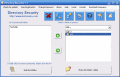
Hide Files & Folders security utility you can use to protect certain files and folders, or to hide them from viewing and searching. The program asks password upon accessing any protected file and gives access right after entering a valid password
Hide Folders securely protects your private files from other users and applications and permits access only if you specify the correct password. It allows you to make your data hidden, locked, or read-only. Try this great utility now!
Hide Folders securely protects your private files from other users and applications and permits access only if you specify the correct password. It allows you to make your data hidden, locked, or read-only. Try this great utility now!
 HandyArchive