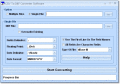
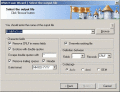
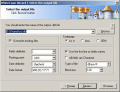
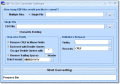
Convert one of many CSV (comma-separated values) files to DBF files. DBF files are used in dBase, xBase, FoxPro and other programs. Also some programs use DBF files to import and export data.
QIF2CSV Pro is an useful utility to convert your .QIF files to CSV (comma separated value) format. Simply browse for your file, review transactions, select all or less and save it or copy to clipboard.
The CSV to DBF program allows you to convert your csv (comma-separated value) files to dbf format. Generally, you can use any delimiter, such as TAB, semicolon etc. The program supports dBase III, dBase IV, FoxPro, VFP and dBase Level 7 formats.
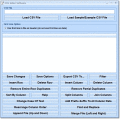
This editor will allow you to add and delete columns and rows to CSV files. There are features to save your changes, import the file to Excel and search the CSV file for text.
Convert one of many DBF files to CSV (comma-separated values) files. Completely customize the CSV output: include/not include double quotes, remove trailing spaces, choose delimiting character and include/not include databse header, etc.
 HandyArchive