CustomIcons 4.3

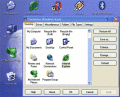
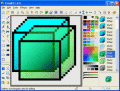
CustomIcons is an ultimate tool for customizing the icons on your desktop, in Windows Start menu, for your folders and many other locations. Using CustomIcons you can easily replace default Windows icons with the ones to your choice.

IconUtils 5.40

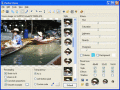
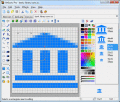
Once you have installed IconUtils on your computer, you will be able to create and edit icons, toolbars, gif buttons, convert image files of various formats, download icon libraries from the Internet and even more; all you need in one tool!

IconXP 3.34

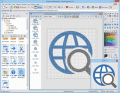
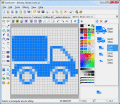
Edit Windows icons in color depths up to 32-bit True Color. Create smooth icons for Windows Vista. Import and export ICO, BMP, GIF, JPEG, PNG, CUR, ANI, PSD, WMF formats. Apply drop shadow, smooth, roll effects. Customize desktop and folder icons.

ArtIcons 5.45

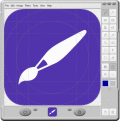
Find, extract, edit and create Windows icons in color depths up to 32-bit True Color. Import and export ICO, Vista ICO, CUR, BMP, JPG, PNG, PSD, WBMP, GIF images. Create and manage icon libraries. Create and store images with several layers.

ArtCursors 5.25

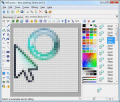
ArtCursors allows you to edit static and animated cursors in color depths up to 32-bit True Color. You also can search files and folders for cursors, import and export cursor images and create cursor libraries for better and more efficient storage.